CHAPTER 01
1. Answer the request in front of you
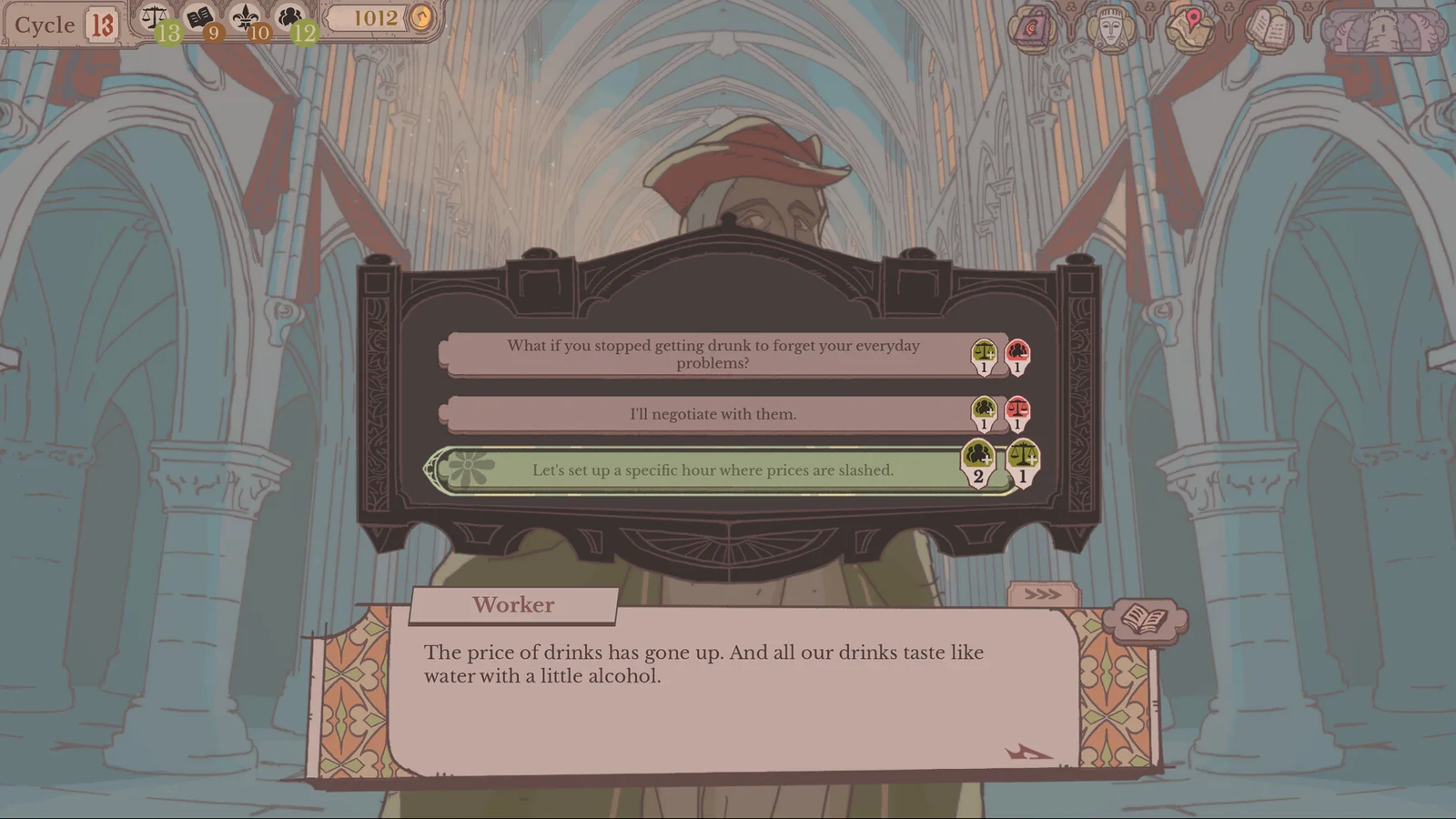
Read the petitioner’s request, then compare the offered replies and the consequence symbols beside them. Choose the reply that serves your current aim. The Worker example shows where these previews appear.
This image shows reply choices and their previews; it does not show a quest being created by the Worker response.
CHAPTER 02
2. Assign accepted work
If the audience decision adds a quest, find it at the Round Table; otherwise handle quests already available. Select a quest, compare its requirements with available knights, and assign your chosen knight. Verify the Assigned portraits before FINISH. Accepting a request and assigning its quest are distinct steps.
CHAPTER 03
3. Read any results already available
Read debriefs for returned knights. Unexpected outcomes can replace normal rewards, and new trips can take multiple cycles.
CHAPTER 04
4. Check your current target, then advance
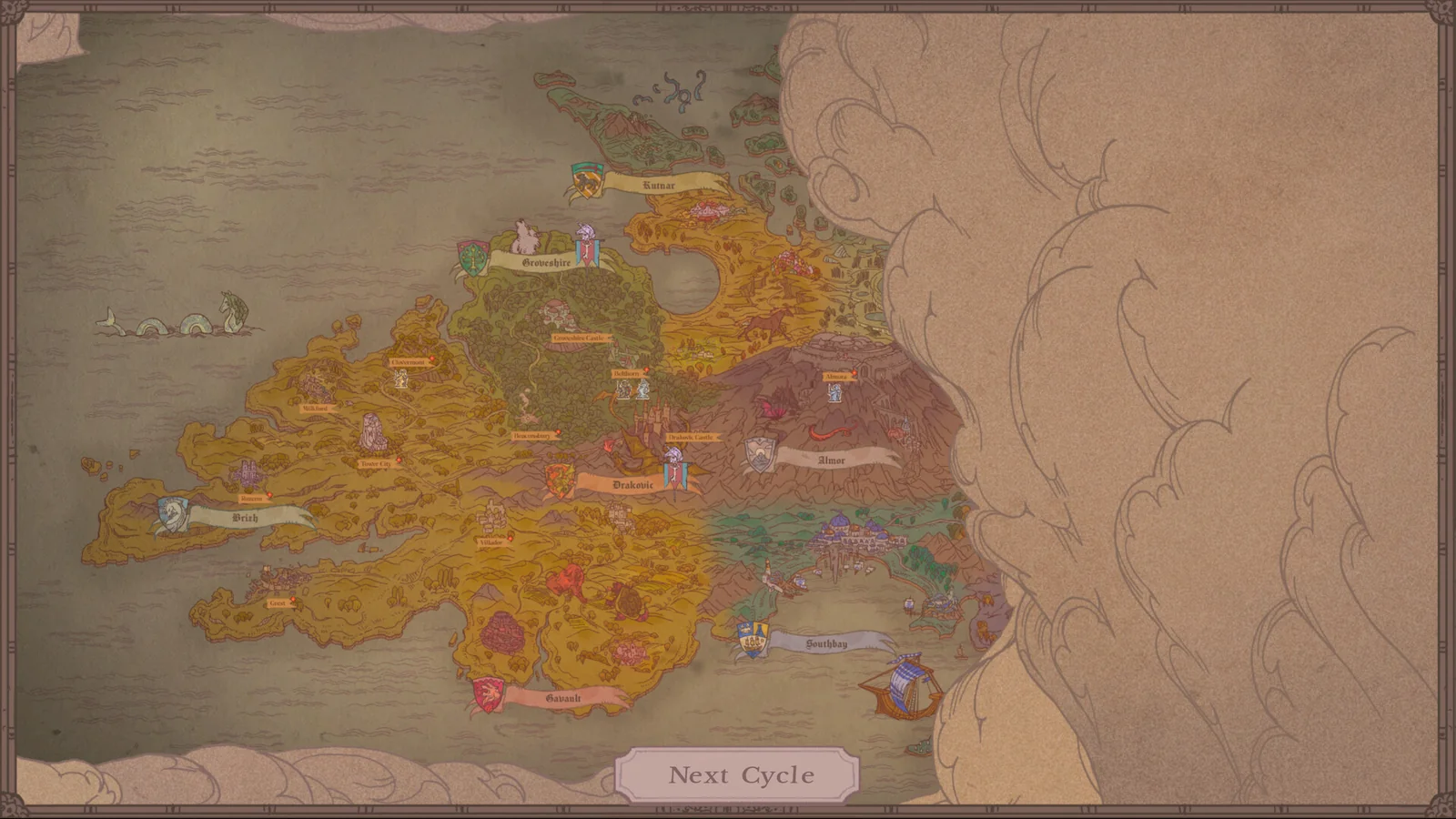
Check the current cycle and resource target, then select Next Cycle on the map. Read the returning knight’s debrief before assigning new work.
CHAPTER 05
If you want to change an earlier decision
The Crypts contain the Demon’s time-travel interface. Use the cycle and audience names to choose the earlier decision you intend to revisit. You can also continue your current timeline; this introductory loop does not require a rewind.