CHAPTER 01
Morning: make the audience decision
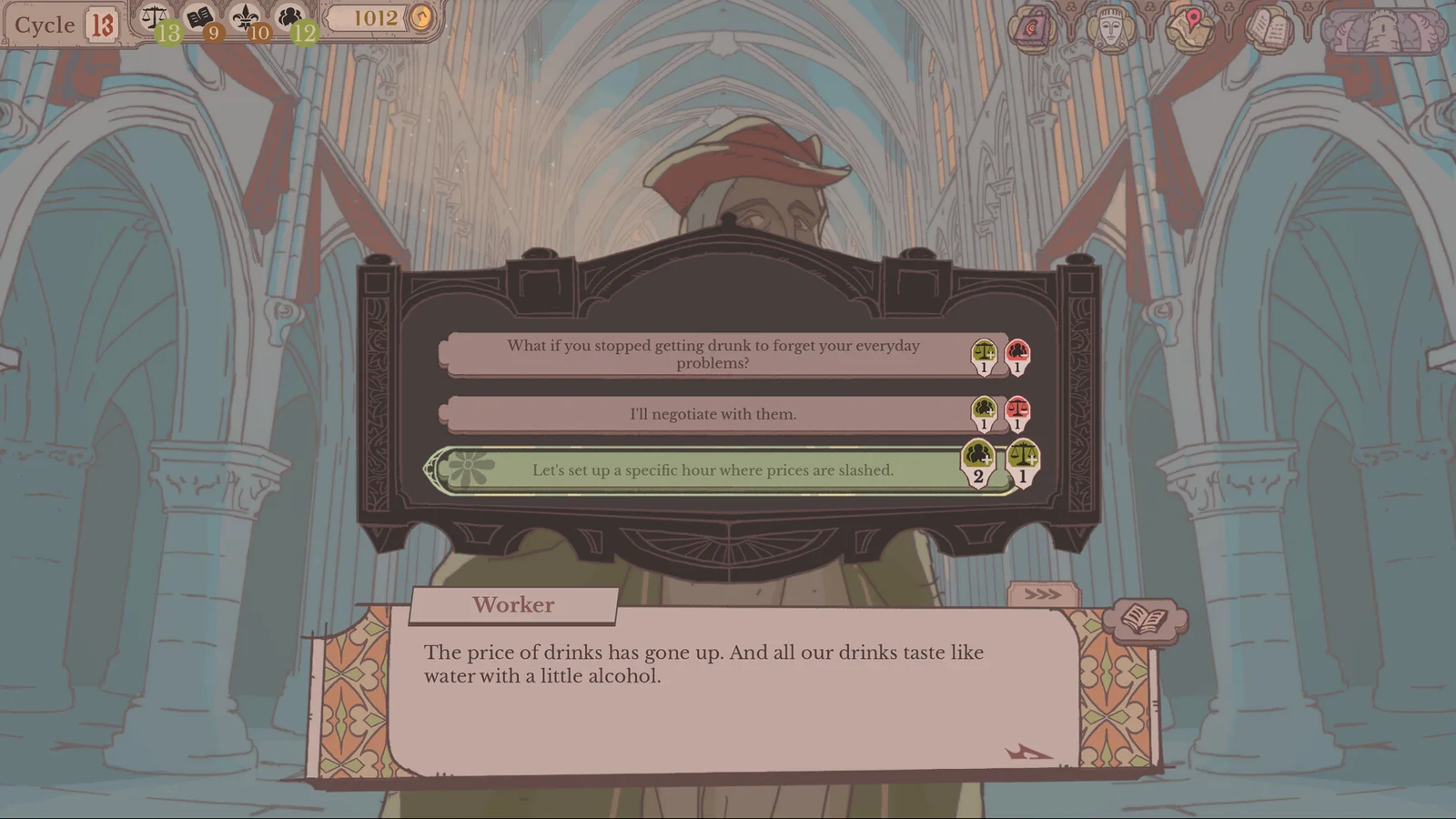
The morning audience presents requests. Read the replies and their displayed consequences before choosing.
CHAPTER 02
Round Table: turn accepted work into assignments
Accepted requests appear at the Round Table. The selected quest’s requirements and the selected knight’s skills sit on opposite sides of the screen. A request being accepted does not mean you have already assigned its knight.
- Open the Round Table and select the request.
- Choose the knight or party for that request.
- Check the assigned portraits before finishing this phase.
CHAPTER 03
Results and the map
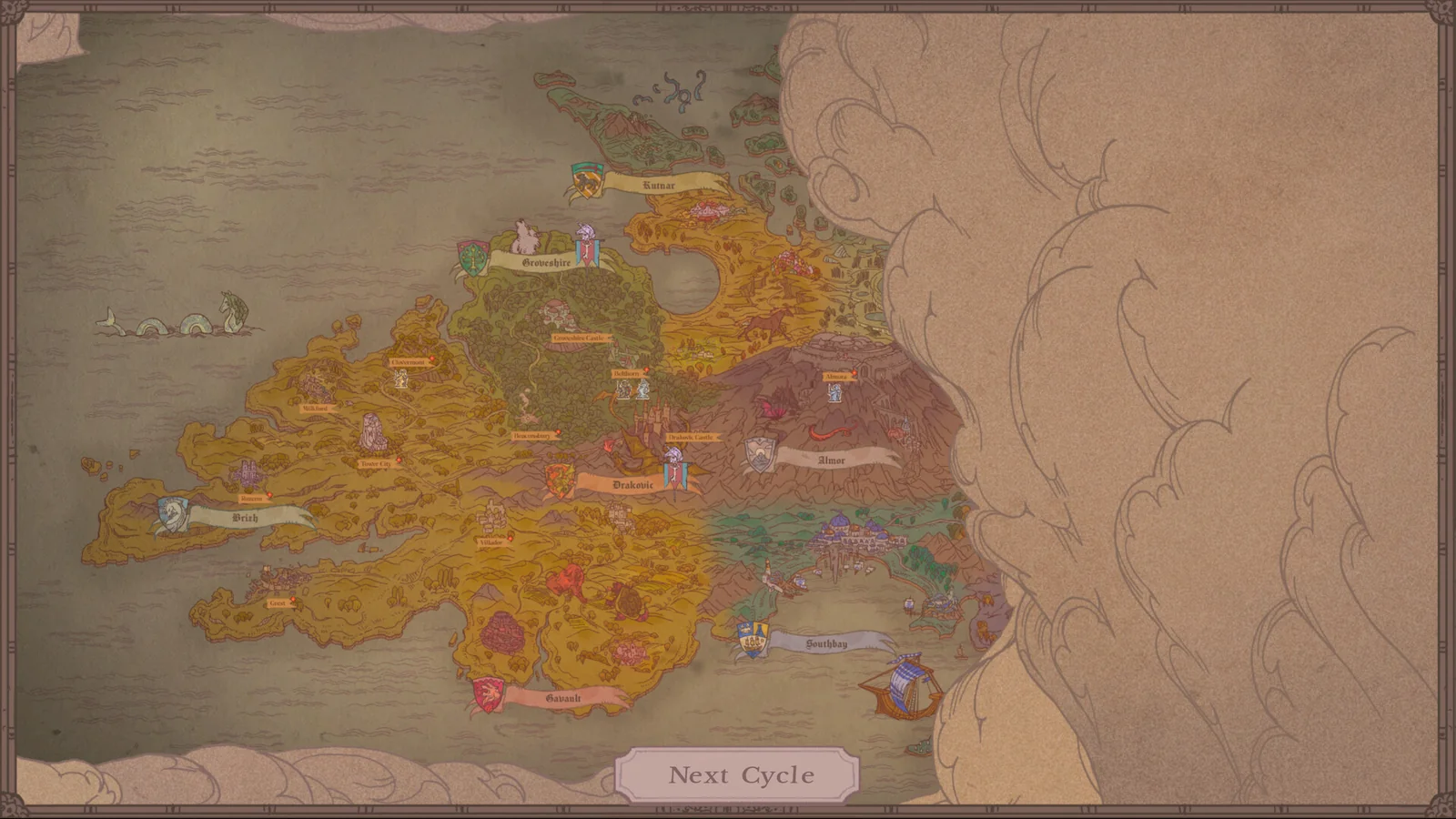
Quests can take multiple cycles. Use Next Cycle at the bottom of the map to advance outstanding trips, then read debriefs when the knights return.
CHAPTER 04
Check the number that is approaching
The current cycle and a target cycle can appear together in the upper-left HUD. When a target is shown, compare it with the current cycle before advancing. For the illustrated Cycle 17 target example, see the treasury guide.